
Connect ChatGPT
Add SpecMCP as a custom plugin (MCP server) in ChatGPT.
In the SpecMCP dashboard, open Connections and choose ChatGPT to copy your MCP URL:
https://mcp.specmcp.com/mcpChatGPT does not have a public listing for custom MCP servers yet, so you add SpecMCP yourself as a plugin. It takes about a minute.
Developer Mode is required
Before adding SpecMCP, enable Developer Mode in ChatGPT. On Business workspaces, only an admin or owner can enable it. On Enterprise or Edu, an admin must grant you access first. Go to Settings → Apps → Advanced Settings → Developer Mode, or ask your workspace admin to enable it.
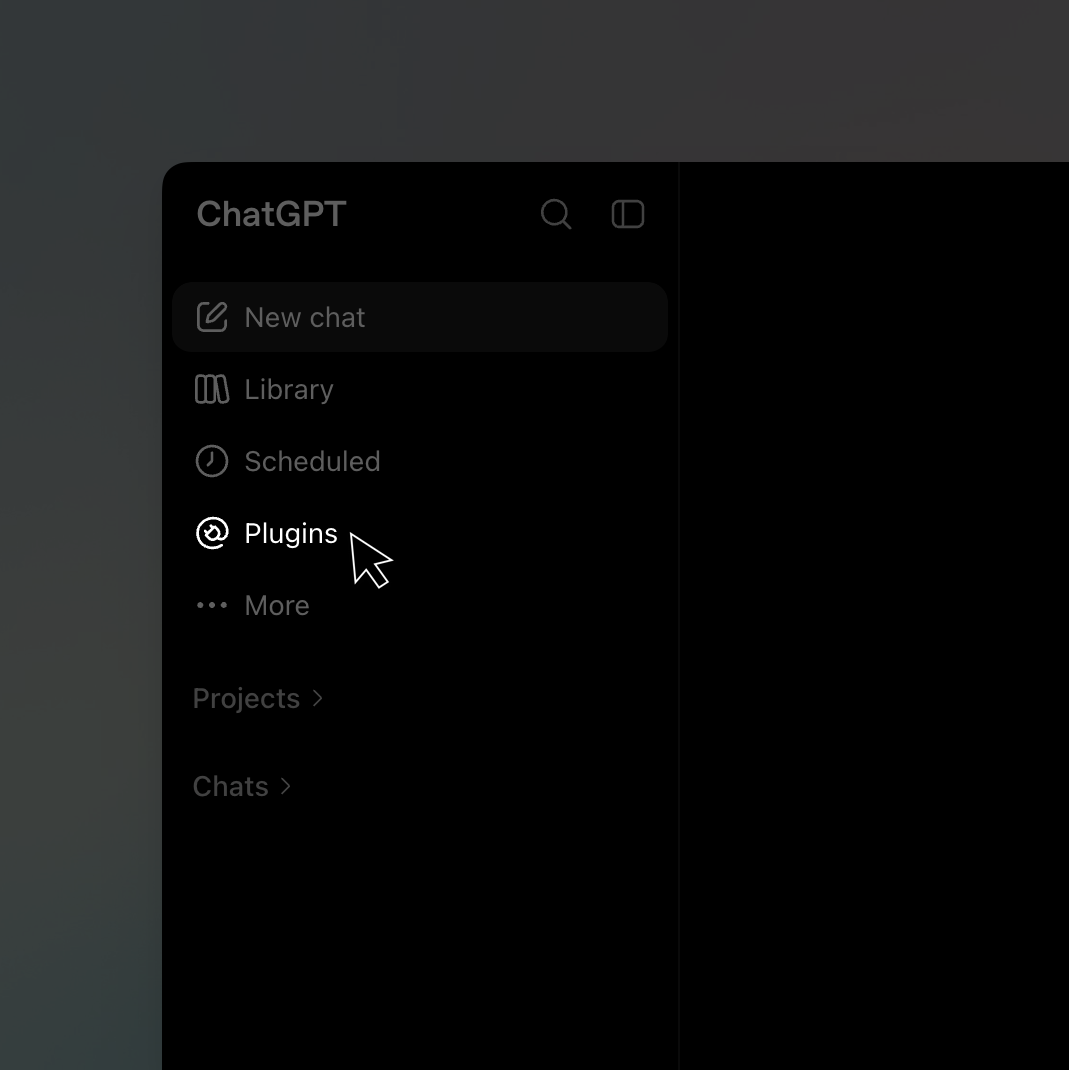
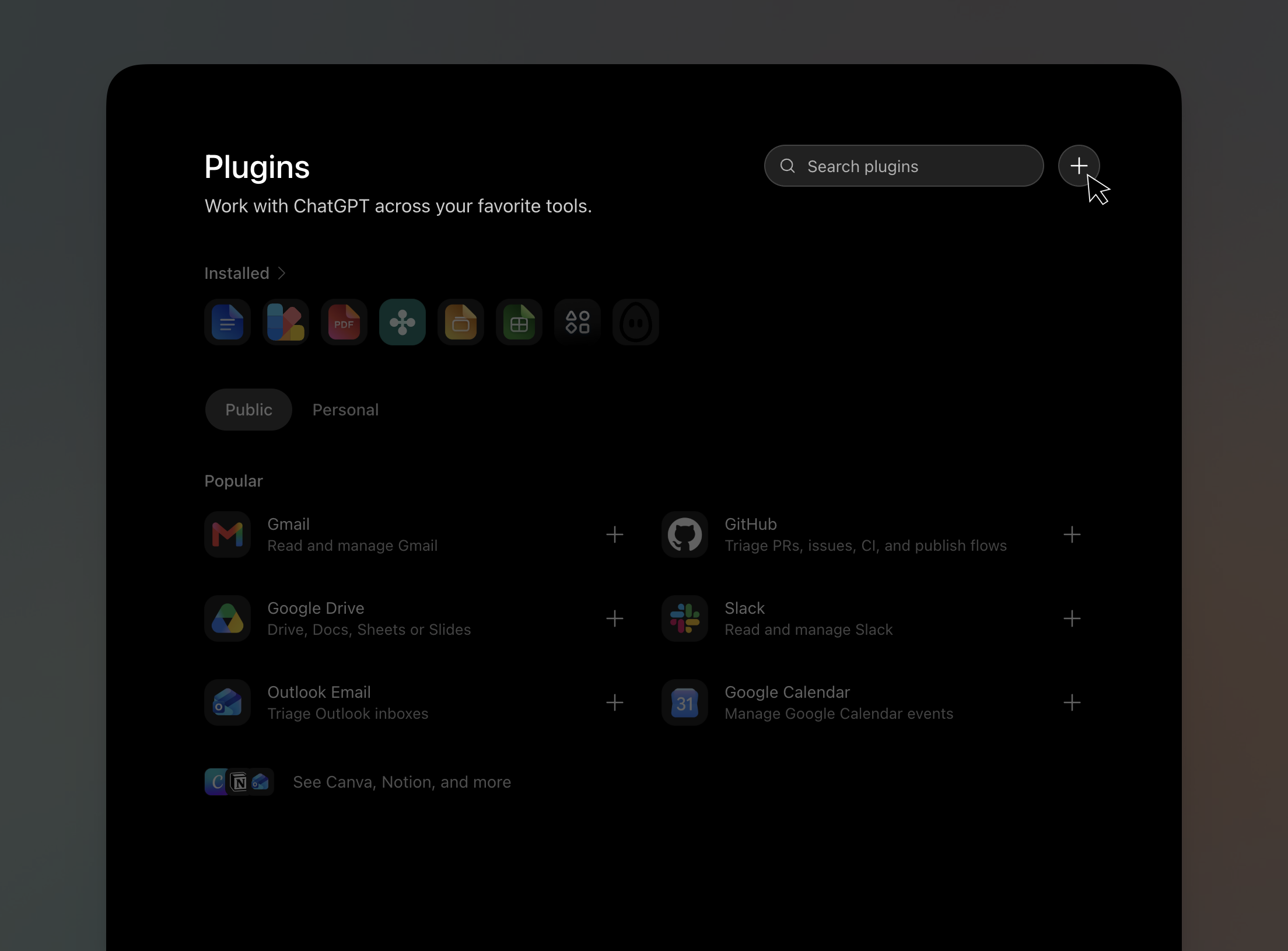
Fill in the details and create
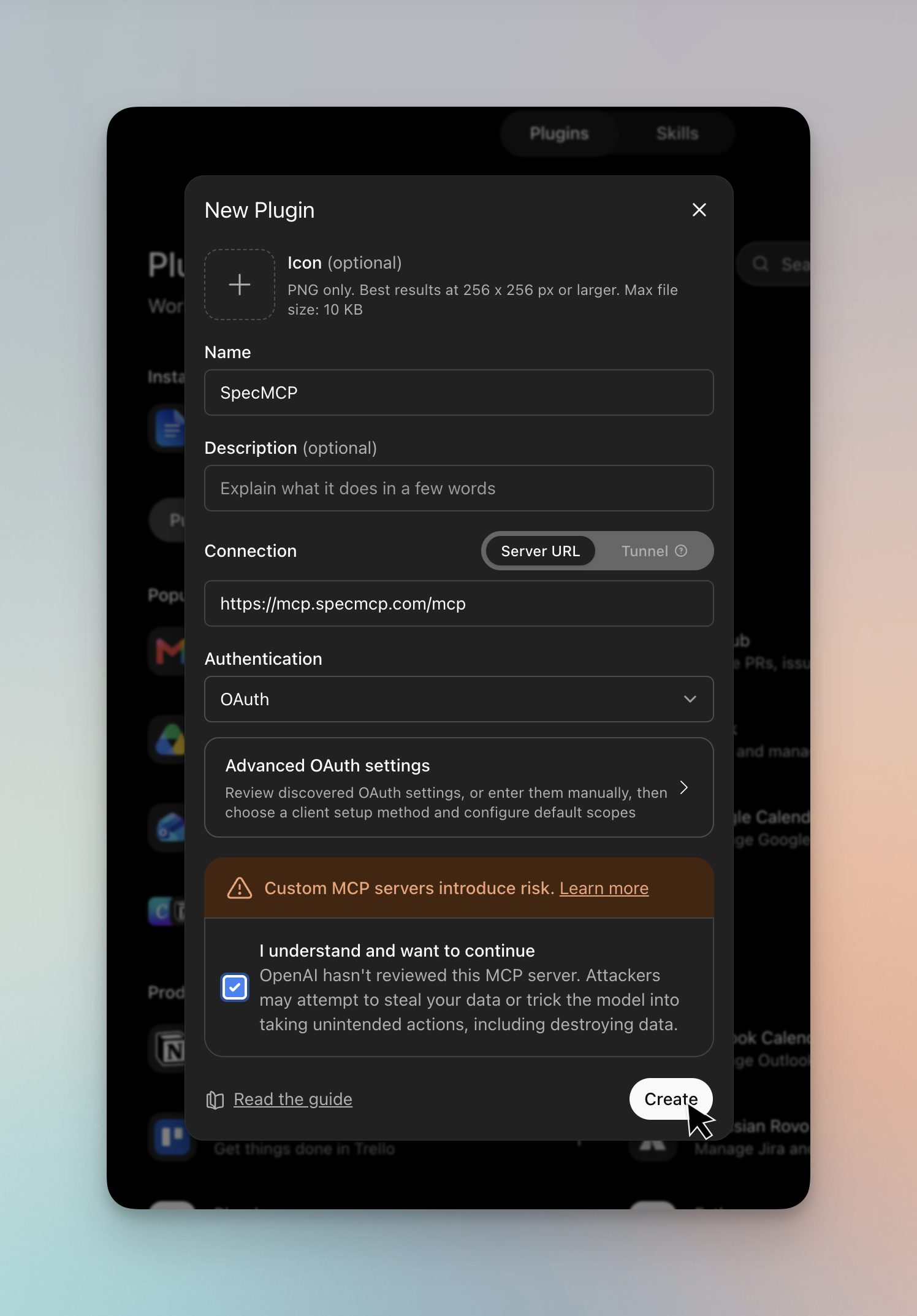
In the New Plugin dialog:
- Name:
SpecMCP - Connection: keep Server URL selected and paste the MCP URL you copied (
https://mcp.specmcp.com/mcp) - Authentication: OAuth
- Tick I understand and want to continue
- Click Create
Sign in and connect
In the dialog that opens, choose Sign in with SpecMCP, then Connect SpecMCP to grant access. ChatGPT discovers the available tools automatically, and you can start asking gematik requirement, certification scope, or version-change questions.
About the risk warning ChatGPT shows
While adding the plugin, ChatGPT warns that custom MCP servers can introduce risk. That warning is worth reading: it protects you because ChatGPT can't review every server, and a connector with write access could change or exfiltrate your data. SpecMCP is read-only by design: every tool only looks up and compares published gematik specifications, and none of them can modify, delete, or send your data anywhere. Keep the same caution with any connector you add, and only connect servers you trust.